How it works
Four steps from folder to draft
Choose the Klaviyo or Omnisend account this campaign is for.
Type the subject line and preview text that show up in the inbox.
Add a folder of sliced images. They upload in filename order, and each one gets alt text written for you.
You get an editable stacked template and a draft campaign, waiting in your account for a final review.
What you get
The parts that save you time
Every slice gets accessible, on-brand alt text from AI vision. One click covers the whole campaign.
Per-slice destination links carry UTM tags, so every click shows up where you measure it.
Both providers work, using your own account and keys. Keys are encrypted at rest and never shared.
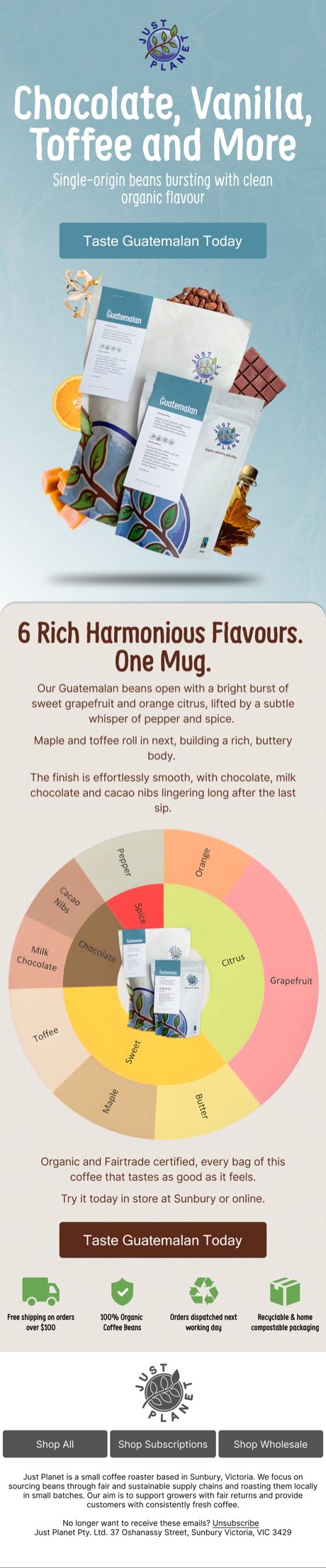
Made with Easy Email Slicer
Campaigns built this way






This is me
I built this tool
I'm Nicholas. I run Carbon Copy Design, an email and lifecycle studio, and I built Easy Email Slicer to kill the slowest part of shipping a sliced campaign: pasting blocks one at a time. It's still pre-production. If something breaks or you have feedback, email or call me and it reaches me directly.